gCMOB for Small Business: Shop and Office Monitoring Guide

Use gCMOB to monitor a small business: camera placement priorities for shops and offices, staff access levels, opening and closing routines, incident playback habits, and customer privacy basics.

Rated 4.5/5 · 204.5k

Introduction

For a small business, gCMOB turns the cameras you already own into an owner's remote presence: checking the shop opened on time, glancing at the counter at lunch, and pulling up last night's delivery without driving in. Used deliberately, it supports staff as much as it watches them, because clear footage settles disputes and proves good work too.

This guide focuses on placement priorities, access discipline, and daily routines for shops, cafes, and small offices. Everything covered here ties back to the main gCMOB Download for Android - CCTV Camera Monitoring App Guide page, where the download and the key facts live.
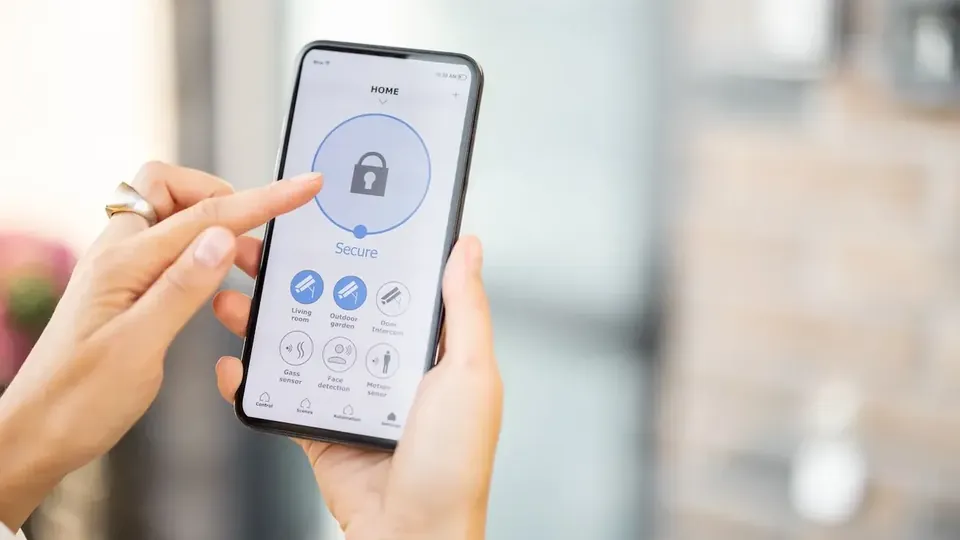
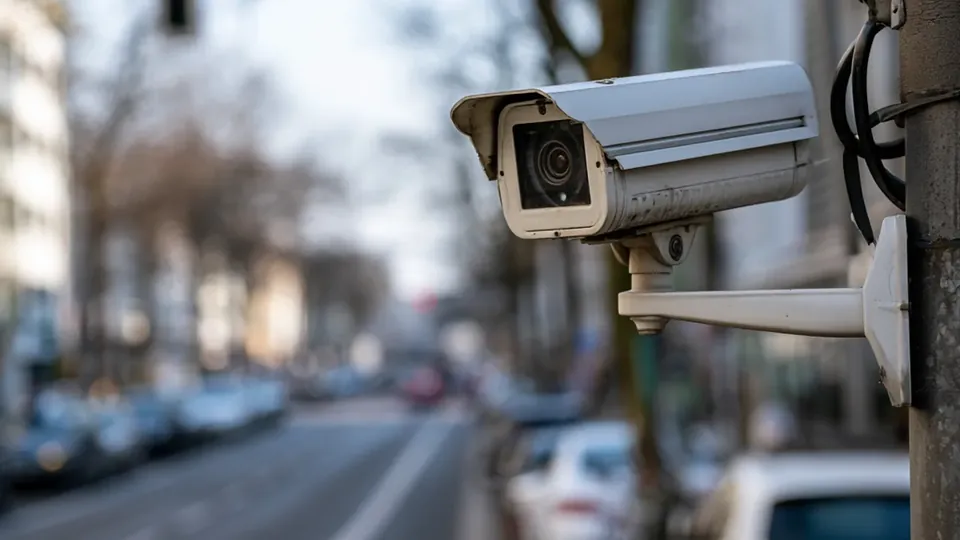
Camera Placement Priorities for a Small Business

Cover entrances first, because every incident involves someone arriving or leaving. Then cover cash-handling points, stock areas, and delivery doors, in that order. Wide overview cameras are useful last; they show flow but rarely identify anyone.

Place cameras where faces pass at eye level near doors rather than high in corners looking down at the tops of heads:

  • Entrances before everything else
  • Counter and till points next
  • Stock and delivery areas third
  • Eye-level views identify people
  • Overviews support, never replace, detail cameras

Owner, Manager, and Staff Access Levels

The owner holds admin access. Managers who open and close may get live view and playback for their own site. Staff who never monitor should not carry camera access on personal phones at all.

Individual recorder accounts make these levels real. When a manager leaves, deleting one account ends access without disturbing everyone else's passwords:

  • Admin stays with the owner
  • Managers get site-limited accounts
  • No casual access on personal phones
  • Delete leavers immediately
  • Review the account list quarterly

Opening, Closing, and Delivery Routines

Build camera checks into routines the business already has. The opener confirms the premises look right before unlocking; the closer checks all areas are empty and the alarm-side cameras are live; deliveries get a quick live glance when the doorbell rings.

Motion alerts on stock and back doors outside trading hours deserve instant attention, while daytime alerts on the same doors are usually just business happening:

  • Check premises before unlocking
  • Confirm empty premises at closing
  • After-hours alerts on restricted doors matter most
  • Deliveries verified by live view
  • Routines beat random checking

Handling Incidents and Saving Footage

When something happens, preserve footage first and investigate second. Note the time, review playback in gCMOB to confirm the event is recorded, capture a snapshot or clip for quick sharing, and export the original segment from the recorder before the retention window overwrites it.

Keep an incident note with dates, times, camera names, and what was exported. Weeks later, that note is the difference between evidence and a vague memory:

  • Preserve before investigating
  • Confirm recording exists in playback
  • Export originals from the recorder promptly
  • Know your retention window
  • Written incident notes with camera names

Customer and Staff Privacy Basics

Cameras belong in trading and work areas, never in toilets, changing spaces, or rest areas. Clear signage that recording operates is both a legal expectation in many places and fair notice to customers and staff.

Use footage for safety and genuine incidents. Casual browsing of staff footage destroys trust and, in many jurisdictions, breaks workplace rules. Access discipline protects the business as much as the people in it:

  • Never record private spaces
  • Post clear recording signage
  • Footage for safety and incidents only
  • Limit who can review playback
  • Local rules vary; check yours

Making the Most of Alerts Without Alert Fatigue

A business generates motion all day, so alert strategy must be selective: after-hours motion in restricted zones, door events outside trading times, and device-health warnings such as a camera going offline.

Everything else should record quietly for playback. An owner who receives two hundred alerts a day soon reads none of them, including the one that mattered:

  • Alert on after-hours restricted motion
  • Device offline alerts are high value
  • Daytime trading motion records silently
  • Tune monthly as patterns emerge
  • Fewer, better alerts get acted on

Using Footage to Settle Everyday Disputes

Most business footage is never about crime. It settles the delivery that a supplier insists arrived, the till discrepancy that was actually a refund, and the customer claim about when they visited. Quick, polite playback review in gCMOB resolves these in minutes.

Handled openly, this builds staff trust: the same footage that catches a mistake also proves the honest employee right, and teams learn the cameras protect them too:

  • Deliveries verified by playback
  • Till events checked fairly
  • Footage protects honest staff
  • Review openly, not secretly
  • Keep reviews proportionate

Insurance, Police, and What They Ask For

After a real incident, insurers and police ask for time-accurate footage, camera positions, and unbroken exports from the recorder. Owners who know their retention window and export process answer in a day; owners who do not often discover the footage aged out during the delay.

Keep the recorder's admin access and export steps documented for the owner and one deputy, so evidence survives holidays and sick days too:

  • Retention window known in advance
  • Exports unbroken and time-accurate
  • Camera map helps reports
  • Owner plus one deputy can export
  • Act within days of an incident

Conclusion

gCMOB serves a small business best as a routine tool: entrances and cash points covered first, access tiered by role, checks built into opening and closing, and footage preserved properly the moment an incident occurs.

Add honest privacy boundaries and selective alerts, and the system protects the business, the customers, and the staff in equal measure, while the owner's phone becomes a calm window on the premises instead of a source of noise. Readers moving on from here will find the neighbouring topic covered in full in gCMOB Push Notifications and Motion Alerts Setup Guide. The companion guide gCMOB Playback Guide: Watch Recorded CCTV Footage covers the neighbouring topic in the same step-by-step style.