gCMOB Shared Access Guide: User Accounts and Permissions Done Safely

Share gCMOB camera access safely: recorder user accounts vs sharing passwords, permission levels for live view and playback, adding family and staff, and removing access cleanly.

Rated 4.5/5 · 204.5k

Introduction

Sharing camera access usually starts casually, with an admin password handed to a spouse, a parent, or a senior staff member, and ends badly when that password can never be taken back. gCMOB itself is only the viewer; real access control lives in the user accounts on your DVR, NVR, or camera, and setting those up properly is the difference between sharing and surrendering.

This guide explains permission levels in plain terms and a sharing routine that keeps the owner in control. The main gCMOB Download for Android - CCTV Camera Monitoring App Guide page brings the download, the app facts and the FAQs together in one place.
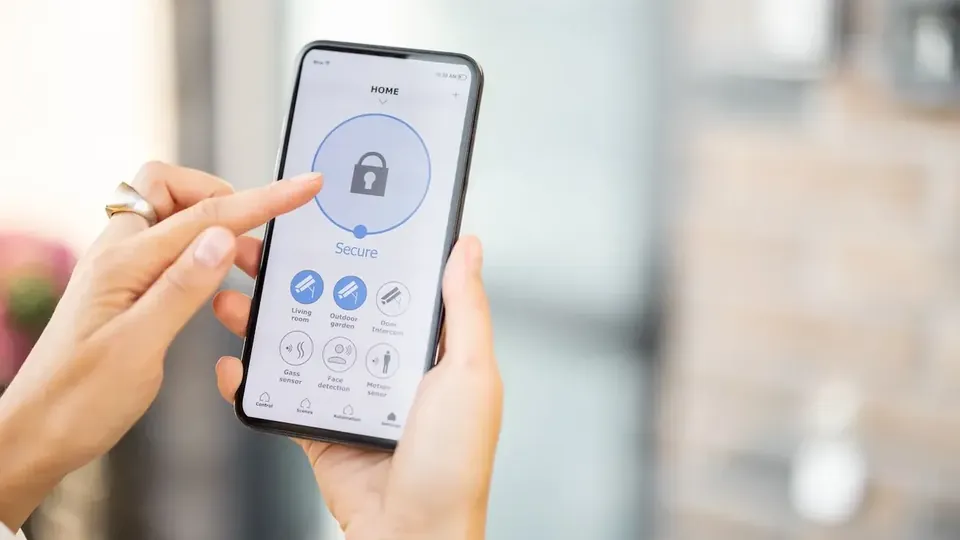
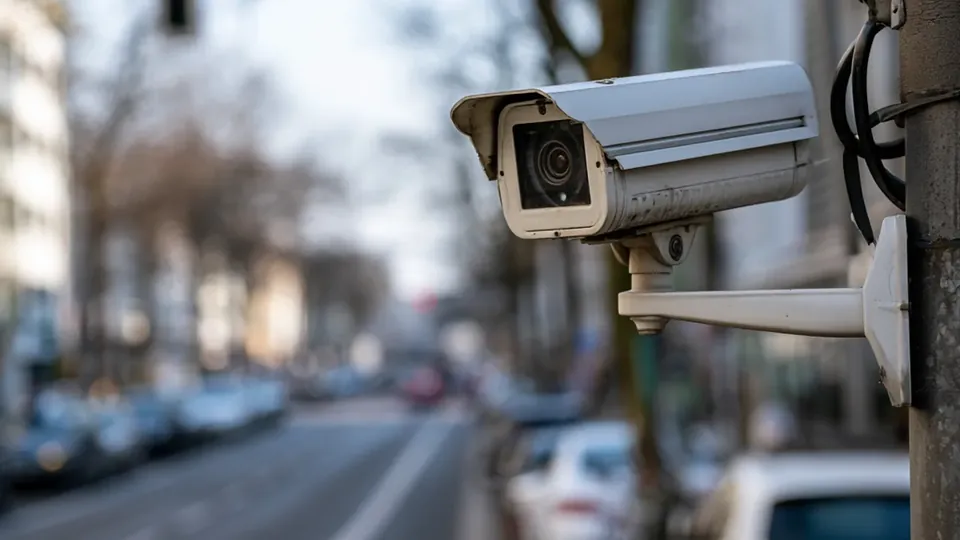
Why the Admin Password Should Never Be Shared

Whoever holds the admin password holds everything: user management, recording settings, network configuration, and the ability to lock you out of your own system. Sharing it with even one trusted person removes your control permanently, because a password known by two people can be changed by either and copied by both.

The correct pattern is simple: admin stays with the owner, and everyone else receives their own named account with only the permissions their role needs:

  • Admin controls users and settings
  • Shared passwords cannot be un-shared
  • One owner-held admin account
  • Named accounts for every other viewer
  • Access removed by deleting one account

Permission Levels Explained Simply

Recorder accounts typically separate live view, playback, PTZ control, and configuration rights, often per channel. A family member might get live view of entrances; a shop manager might get live view plus playback for one site; nobody except the owner needs configuration rights.

Grant the least that works. Permissions are easy to raise later when a real need appears and painful to claw back after over-sharing:

  • Live view is the basic grant
  • Playback is a separate, stronger grant
  • PTZ control suits specific roles only
  • Configuration stays owner-only
  • Permissions can differ per channel

Creating a User Account on the Recorder

Accounts are created on the recorder or camera itself, then the new user signs in with those details when adding the device in their own gCMOB app.

  1. Sign in to the recorder as admin.

  2. Open the user or account management section.

  3. Add a user with a unique name and strong password.

  4. Select only the channels and rights the person needs.

  5. Save and sign out of admin.

  6. Have the person add the device in gCMOB with their own account.

Sharing With Family Members

For a household, give each adult their own account rather than passing one login around phones and tablets. Children generally need no direct access; if an older child checks cameras when home alone, a live-view-only account on entrance channels is a proportionate grant.

When a phone is replaced, delete the old device from any trusted lists and keep the account list on the recorder tidy:

  • One account per adult
  • Live-view-only suits older children
  • Entrance channels are the usual grant
  • Replace phones, keep accounts tidy
  • Review household access yearly

Sharing With Staff and Temporary Viewers

Business sharing needs an expiry habit. Cleaners, contractors, and temporary staff who genuinely need viewing should receive accounts that are deleted the day the engagement ends, and a quarterly review of the account list catches the accounts everyone forgot.

Never let a shared workplace login become the de facto system password. It will outlive every employee who knows it:

  • Temporary accounts for temporary needs
  • Delete access when engagements end
  • Quarterly account list review
  • No shared workplace master login
  • Managers get roles, not ownership

Removing Access and Responding to a Lost Phone

If a phone with camera access is lost, act on the recorder, not just the phone: change that user's password or delete the account, and if the admin password was ever on that device, change it too and review the system for changes.

Because accounts are individual, one lost phone becomes a five-minute fix instead of a full system re-password:

  • Change or delete the lost phone's account
  • Rotate admin if it was ever exposed
  • Check settings after any loss
  • Individual accounts contain the damage
  • Act the same day, not next week

A Simple Access Review Routine

Every quarter, open the recorder's user list and ask three questions of every account: who is this, do they still need access, and is their permission level still right. Delete, demote, or confirm each one and note the date.

The routine takes ten minutes and is the entire difference between an access list that reflects reality and one that reflects the last three years of favors:

  • Quarterly user list review
  • Who, still needed, right level
  • Delete and demote without hesitation
  • Note review dates
  • Owner owns the routine

Passwords for Shared Systems

Each account needs its own strong password, never a variation of the admin password and never the business name with a number. If a password must be written down during setup, it belongs in the owner's password manager or a sealed envelope in a locked drawer, not on a note near the recorder.

When any shared-context password is suspected exposed, change it the same day and treat the change as routine maintenance, not accusation:

  • Unique strong password per account
  • No admin-password variations
  • Password manager or locked storage
  • No notes near the recorder
  • Same-day changes when exposure is suspected

Conclusion

Safe sharing in a gCMOB system is an account habit, not an app feature: the owner keeps admin, every other viewer gets a named account with the least permissions their role requires, and access ends by deleting that account.

Set up this way, family help and staff monitoring stay convenient, staff changes and lost phones stay minor, and control of the cameras never quietly walks out of the door in someone else's pocket. The companion guide Is gCMOB Safe to Use for CCTV Monitoring? covers the neighbouring topic in the same step-by-step style. gCMOB Login and Device Connection Problems Fix Guide makes a useful next read alongside this guide.