gCMOB Night Vision Guide: Get Clearer Night-Time Camera Views

Improve night viewing in gCMOB: how infrared night vision works, why night pictures wash out or go dark, lighting and positioning fixes, and settings that help faces and plates at night.

Rated 4.5/5 · 204.5k

Introduction

Most security moments happen after dark, which is why night pictures disappoint so many new gCMOB users: faces washed white, yards swallowed in darkness, or a bright circle surrounded by black. Night vision is a partnership between the camera's infrared lights, its sensor, and the scene itself, and the app can only show what that partnership produces.

This guide explains the common night problems and the practical fixes, most of which are about light and positioning rather than app settings. The main gCMOB Download for Android - CCTV Camera Monitoring App Guide page brings the download, the app facts and the FAQs together in one place.

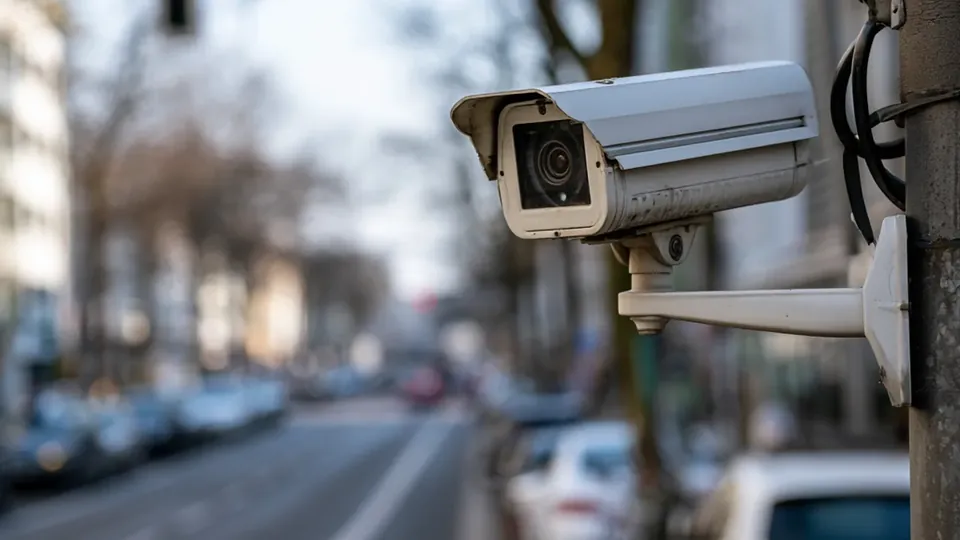
How Infrared Night Vision Works

At low light, most CCTV cameras switch to infrared mode: IR LEDs around the lens flood the scene with light the human eye cannot see but the sensor can, and the picture turns black and white. Range figures on camera boxes assume open space; walls, rain, and fog all reflect IR back and shorten the useful distance.

Understanding this explains most night complaints. The camera is not failing; it is lighting a scene unevenly, and the sensor exposes for the brightest part:

  • IR LEDs light the scene invisibly
  • Night pictures are black and white by design
  • Rain and fog reflect IR and cut range
  • Exposure follows the brightest area
  • App settings cannot add light the camera lacks

Fixing Washed-Out Faces Close to the Camera

A face near the camera reflects IR strongly and blows out to white while the background stays dark. The fix is distance and angle: mount cameras so people pass through the IR range rather than standing directly under the lens, and angle the camera to avoid a wall filling half the frame with reflected light.

A modest porch or yard light often improves identification more than any setting, letting the camera keep some color and detail instead of relying on IR alone:

  • Avoid mounting directly above where people stand
  • Angle away from close bright walls
  • Add modest real lighting where possible
  • Test the walk-past view at night
  • Identification needs light, not just IR

Fixing Pictures That Are Too Dark at Distance

If the center of the view is lit but edges vanish, the scene exceeds the IR range. Add a second camera with overlapping coverage rather than expecting one device to light a whole yard, or supplement with an IR illuminator or motion light where the recorder system supports it.

Check for spider webs and dust on the lens during night problems. Webs sit in the IR beam, glow brightly, and dim everything behind them, and they are the most common cause of a camera that was clear last month and hazy now:

  • Overlap cameras instead of stretching range
  • Clean webs and dust from the lens
  • Motion lights extend useful coverage
  • Note which areas truly need coverage
  • Compare day and night views monthly

Settings That Help at Night

On the recorder side, ensure night or day-night mode is set to automatic so the camera actually switches. In gCMOB, view the main stream at night when checking details, because sub-stream compression softens exactly the low-contrast detail night scenes depend on.

Digital zoom on a night picture enlarges noise as much as detail. Walk through playback frame by frame instead when reviewing an event; still frames are usually clearer than the moving picture suggests:

  • Confirm auto day-night switching
  • Use main stream for night detail checks
  • Prefer frame-stepping over digital zoom
  • Brightness sliders in-app do not fix scene light
  • Recorders may offer IR level controls

Positioning Rules for Night Coverage

Mount cameras to look along walls and paths rather than straight out into open darkness; subjects then stay inside the IR range longer and present a side-lit profile that identifies better than a head-on glow.

Keep cameras away from other bright lights pointing at them. A streetlight or sign in the frame forces exposure down and turns the rest of the scene to shadow:

  • Look along paths, not across open dark
  • Avoid aiming at other light sources
  • Entrances deserve their own close camera
  • Test positions after dark before final fixing
  • Seasonal foliage changes night coverage

Color Night Vision and White-Light Cameras

Some newer cameras keep color at night using sensitive sensors and a soft white light instead of infrared. Color footage identifies clothing and vehicles far better, and the visible light itself deters.

The trade-offs are a light that neighbors may notice and performance that still depends on some ambient light. For entrances and driveways, many owners find the identification gain worth it:

  • Color night footage identifies better
  • White light adds deterrence
  • Still needs some scene light
  • Consider neighbors before installing
  • Mixing IR and color cameras is normal

Seasonal Night Checks

Night coverage drifts with the seasons: summer foliage blocks IR, winter rain reflects it, and a neighbor's new security light can ruin a carefully exposed scene. A two-minute night walk-through in the app each season keeps coverage honest.

Compare against what you remember from the last check rather than judging the picture in isolation; decline is gradual and easy to miss night by night:

  • Foliage and weather change IR reach
  • New nearby lights alter exposure
  • Seasonal app walk-throughs
  • Compare against remembered baselines
  • Adjust one camera at a time

Conclusion

Clearer night views in gCMOB come from physics, not app toggles: infrared light that reaches the subject evenly, lenses free of webs, positions that keep people inside the lit range, and real lights added where identification truly matters.

Walk your own property on the app after dark, note where faces wash out or vanish, and adjust one camera at a time. A single evening of deliberate testing improves night security more than a month of hoping settings will do it. The related walkthrough in gCMOB Live View Guide for CP Plus Cameras picks up the neighbouring topic in full. Readers moving on from here will find the neighbouring topic covered in full in gCMOB Device Health Monitoring Guide.